


MY DESIGNS · TEMPORARY SHELF
Your ideas, kept close.
We’ve saved your design for 1 hour so you can come back without starting over.
Nothing saved yet. Pick an AI direction, Vault design or upload artwork and it will appear here.
Temporary only · each design has its own live timer
CREATEES by REVOTEES
Three ways to bring your ideas to life.
Start with your imagination, start with something from our Design Vault, or bring artwork of your own. However you begin, CREATEES takes you to the same place: something made your way.
Then make it yours.
One idea. Plenty of ways to wear it.
Choose the garment, colour, size, front or back placement — then move and scale the artwork until it feels right.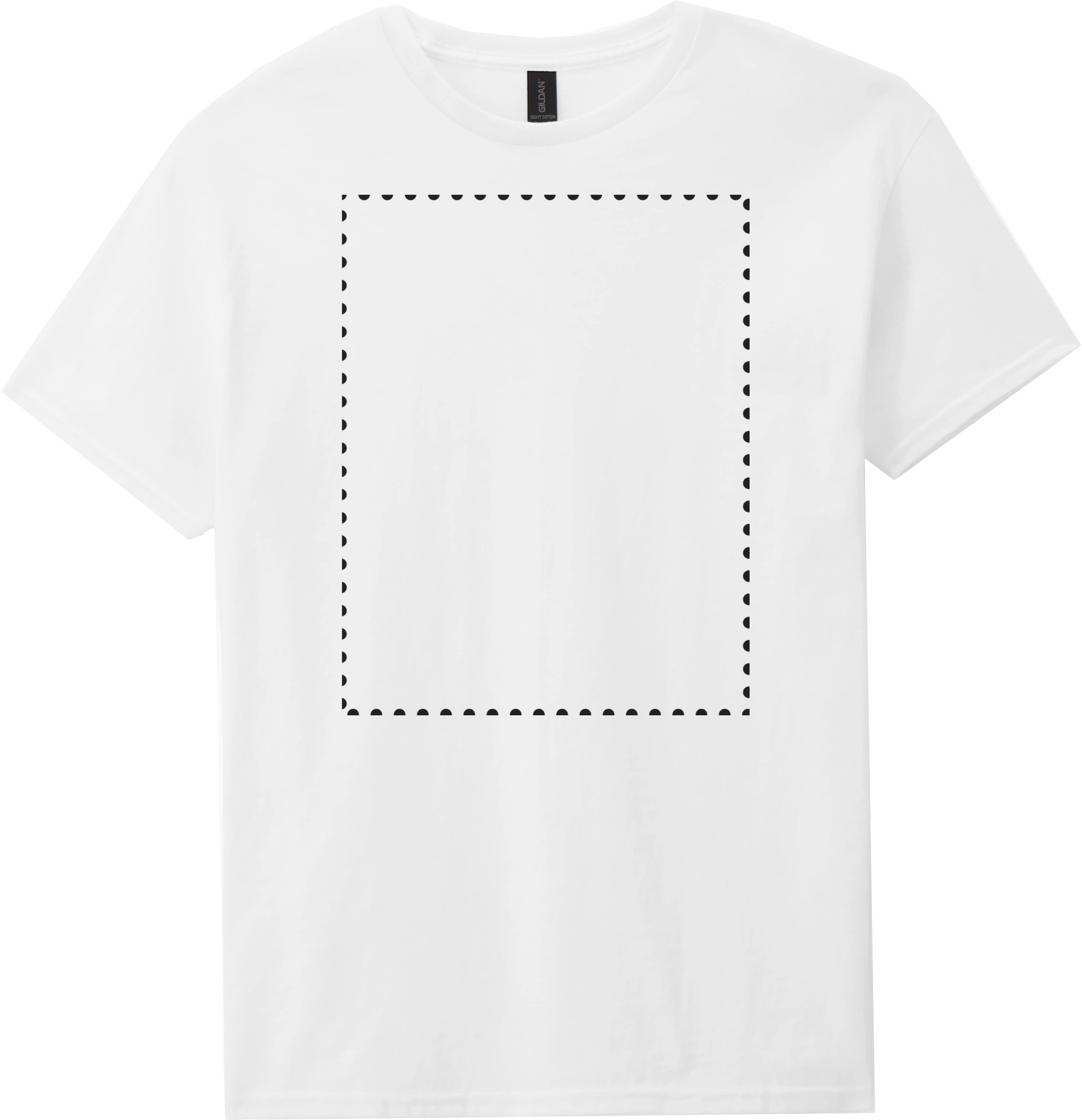
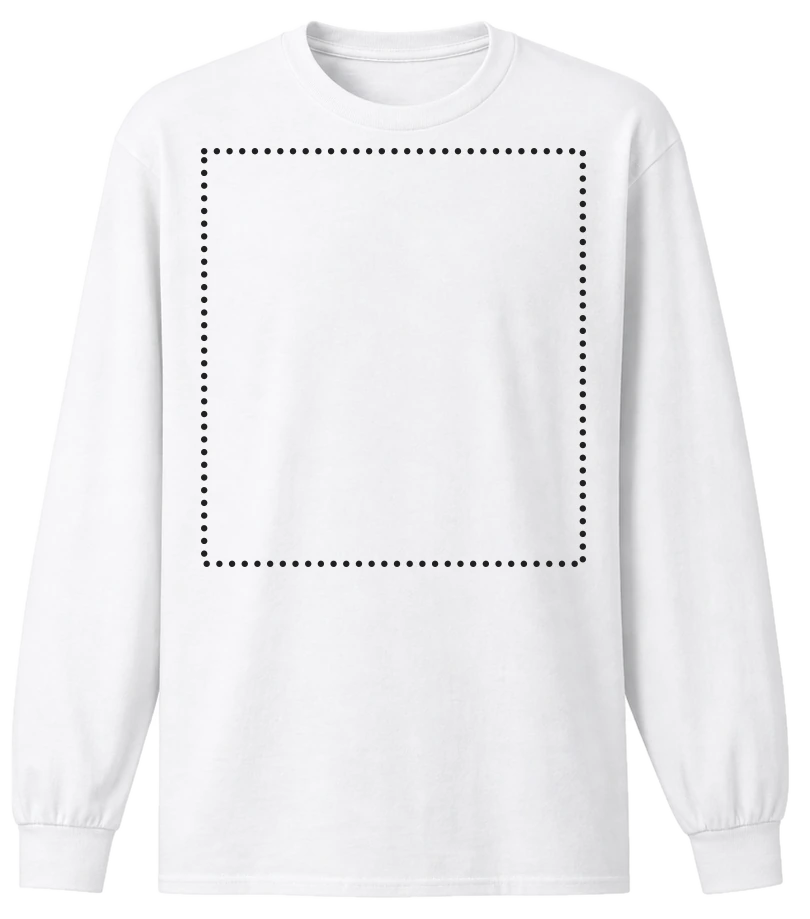
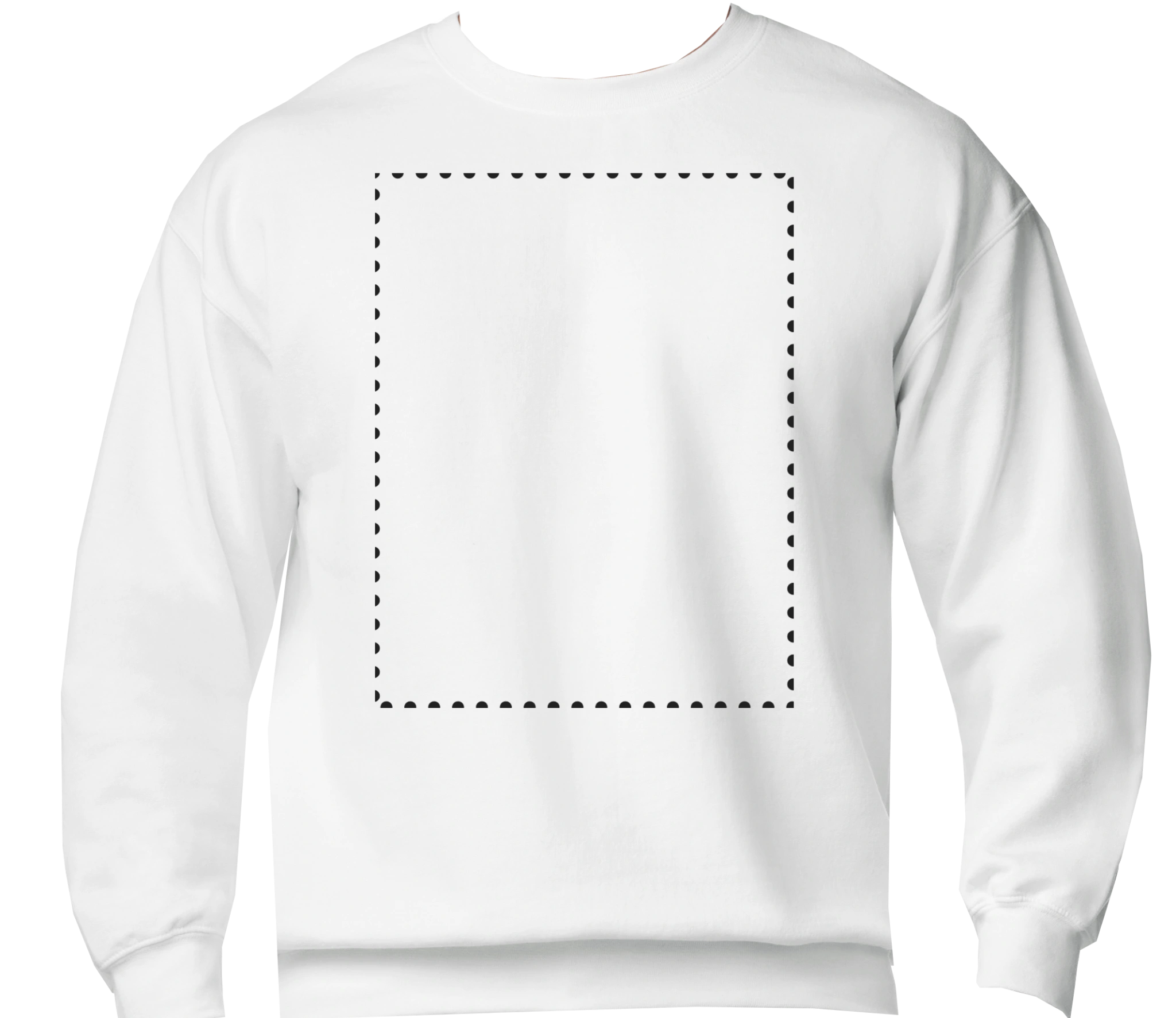
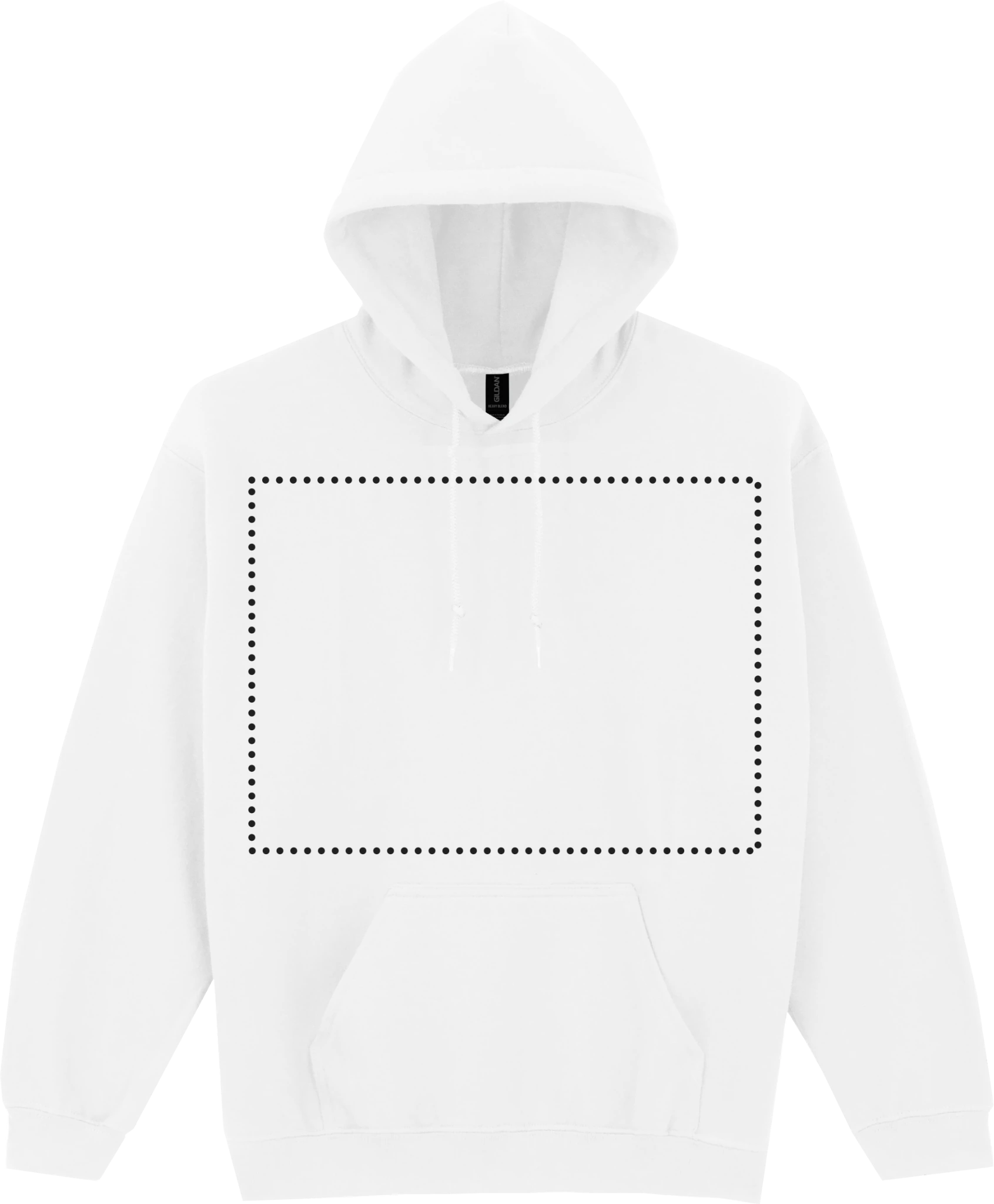
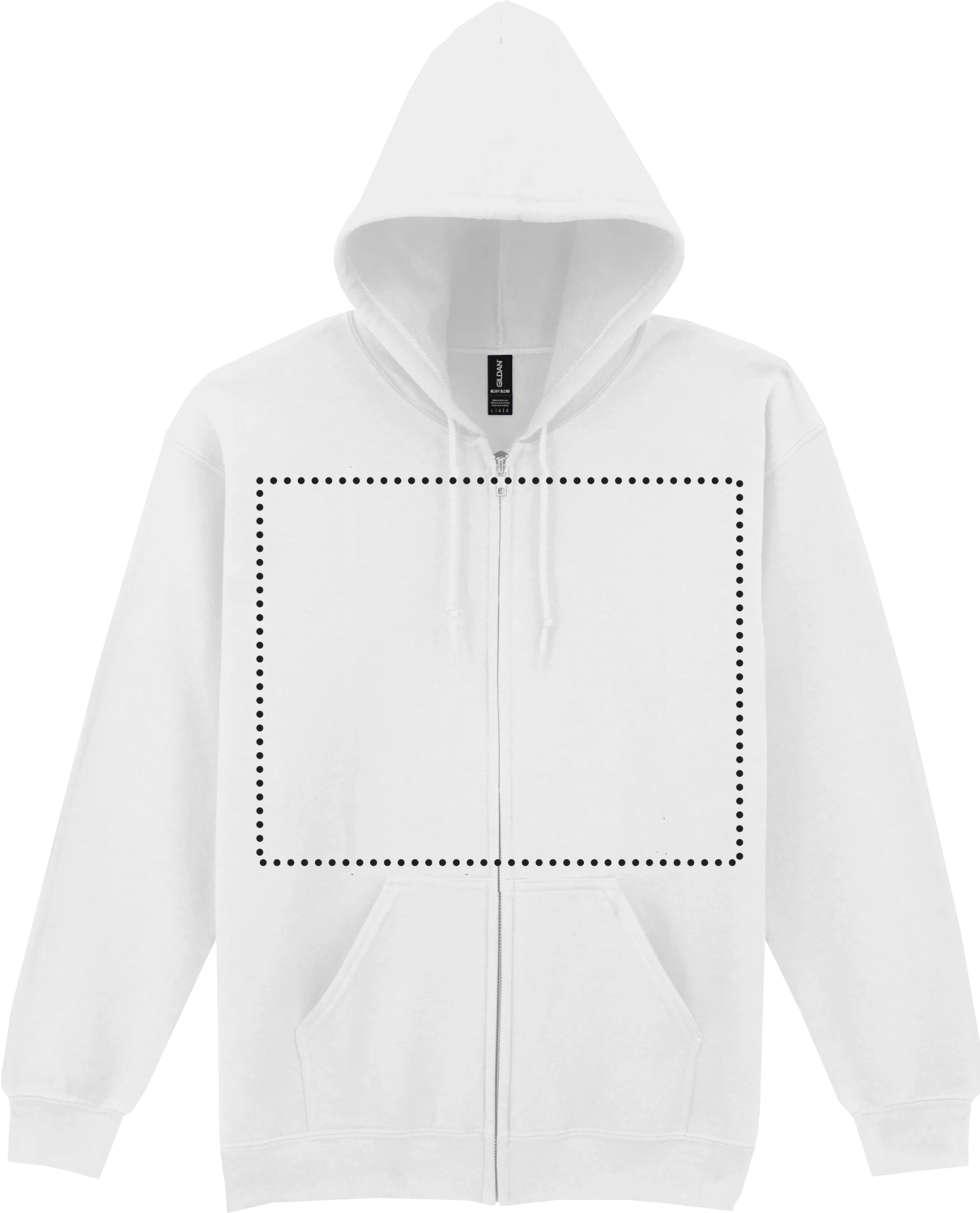
Your design. Your garment. Your call.
A · Imagine It
From hint to print.
1
Describe itTell CREATEES what you’re thinking.
As little or as much as you like. A subject, vibe, colour, era or something you definitely don’t want can help — but you don’t need to speak robot.
2
CREATEES interprets your briefSame idea. Four different directions.
Your idea from the hero will appear here.
Optional clues: none selected yet.
CREATEES will turn your brief into four genuinely different wearable design directions.
Guest2/day
Member4/day
Buyer6/day
Want 4 AI generations every day?Create a free REVOTEES account or sign in.
JOIN / SIGN IN →
Pebble is sketching four routes…Building print-friendly artwork, not four copies of the same idea.
3
Director ModeYou call the shots.
Step 3 is always visible so the journey stays clear. Select one of the four directions above to unlock these controls.
Select a direction above to unlock Director Mode.
Selected direction: None yet
Lock what you already love
Locked elements stay steady while AI explores everything else.
Move the sliders, lock what must stay, then ask CREATEES for a new version. Your original is always kept safe.
4
CREATEES StudioReview it first. Then put it on something you’ll actually wear.
Before the garment gets involved, check the artwork on its own. Once you’re happy, use the garment preview to choose the blank, size, placement and color.
ARTWORK FIRST
Your design, on its own.
This gives the artwork room to breathe before we shrink it onto a shirt. Uploaded or Vault artwork appears here at full preview size; AI artwork will appear here as soon as generation is connected.
AI design
Your artwork preview will appear here
Garment previewMen’s Crew T-Shirt
AI design
Artwork placement preview
Position your artwork100%
Drag a purple corner to resize
Drag the pink node to rotate
Drag the artwork itself to move
OPTIONAL PERSONALIZATIONAdd your own text
0/50
Text previews live on the garment and is saved into the CREATEES production job, cart data and positioned print file.
The dotted rectangle is built into the garment image. CREATEES keeps the artwork inside that real production zone while you resize and position it.
Choose the blank
What should we put it on?
All current CREATEES garments are here. The artwork stays the same while you try different blanks.
SizeLarge
PlacementFront center
Garment colorWhite
5
Next: PIE + checkout
PIE checks print quality, finds ways to reduce unnecessary ink, and prepares the production version.
5
PIE · Print Intelligence EngineMake it print better, not just bigger.
LIVE: PIE updates as you move and resize the artwork. Smaller physical prints increase effective DPI; larger prints reduce it. It also watches placement and total print coverage in real time.
PRINT EFFECTIVENESSWaiting0/100
Needs workUsableStrong
PEBBLE PRINT SAYS
Ready when you are.
Choose an artwork and PIE will explain what it sees in plain English.
Full Print · original artwork
Ink saving estimate will appear here.
PRODUCTION HANDOFF
Your approved version is locked.
CREATEES saves the print treatment, garment, size, placement and artwork geometry as one production job. The printer gets the file and the instructions together.
Your design is ready for production.
CREATEES keeps the approved artwork, garment, placement and print settings together with your order.
Ready to buy?
Your approved design and print choices travel with the garment into your cart, so you can review everything once more before checkout.
B · Choose It
Start with the Design Vault.
YOUR SELECTED VAULT DESIGNDesign selectedCarried into the artwork review and garment studio below.

Hundreds of designs. One starting point.
Search, browse and choose first. The product and print choices come afterwards so the page never asks for everything at once.
Browse the Design Vault →3
CREATEES StudioReview it first. Then put it on something you’ll actually wear.
Before the garment gets involved, check the artwork on its own. Once you’re happy, use the garment preview to choose the blank, size, placement and color.
ARTWORK FIRST
Your design, on its own.
This gives the artwork room to breathe before we shrink it onto a shirt. Uploaded or Vault artwork appears here at full preview size; AI artwork will appear here as soon as generation is connected.
Vault design
Your artwork preview will appear here
Garment previewMen’s Crew T-Shirt
Vault design
Artwork placement preview
Position your artwork100%
Drag a purple corner to resize
Drag the pink node to rotate
Drag the artwork itself to move
OPTIONAL PERSONALIZATIONAdd your own text
0/50
Text previews live on the garment and is saved into the CREATEES production job, cart data and positioned print file.
The dotted rectangle is built into the garment image. CREATEES keeps the artwork inside that real production zone while you resize and position it.
Choose the blank
What should we put it on?
All current CREATEES garments are here. The artwork stays the same while you try different blanks.
SizeLarge
PlacementFront center
Garment colorWhite
4
Next: PIE + checkout
PIE checks print quality, finds ways to reduce unnecessary ink, and prepares the production version.
4
PIE · Print Intelligence EngineMake it print better, not just bigger.
LIVE: PIE updates as you move and resize the artwork. Smaller physical prints increase effective DPI; larger prints reduce it. It also watches placement and total print coverage in real time.
PRINT EFFECTIVENESSWaiting0/100
Needs workUsableStrong
PEBBLE PRINT SAYS
Ready when you are.
Choose an artwork and PIE will explain what it sees in plain English.
Full Print · original artwork
Ink saving estimate will appear here.
PRODUCTION HANDOFF
Your approved version is locked.
CREATEES saves the print treatment, garment, size, placement and artwork geometry as one production job. The printer gets the file and the instructions together.
Your design is ready for production.
CREATEES keeps the approved artwork, garment, placement and print settings together with your order.
Ready to buy?
Your approved design and print choices travel with the garment into your cart, so you can review everything once more before checkout.
C · Bring It
Bring your own artwork.
Drop artwork here
PNG, JPG or transparent artwork. We’ll check quality, remove unnecessary background where sensible, and encourage lighter print coverage when it improves the result.
No file selected yet.
Good files make better shirts.
- Use artwork you own or have permission to print.
- Higher resolution means sharper output.
- Transparency can reduce ink and improve hand-feel.
- PIE will suggest fixes rather than make you understand print jargon.
3
CREATEES StudioReview it first. Then put it on something you’ll actually wear.
Before the garment gets involved, check the artwork on its own. Once you’re happy, use the garment preview to choose the blank, size, placement and color.
ARTWORK FIRST
Your design, on its own.
This gives the artwork room to breathe before we shrink it onto a shirt. Uploaded or Vault artwork appears here at full preview size; AI artwork will appear here as soon as generation is connected.
Uploaded artwork
Your artwork preview will appear here
Garment previewMen’s Crew T-Shirt
Uploaded artwork
Artwork placement preview
Position your artwork100%
Drag a purple corner to resize
Drag the pink node to rotate
Drag the artwork itself to move
OPTIONAL PERSONALIZATIONAdd your own text
0/50
Text previews live on the garment and is saved into the CREATEES production job, cart data and positioned print file.
The dotted rectangle is built into the garment image. CREATEES keeps the artwork inside that real production zone while you resize and position it.
Choose the blank
What should we put it on?
All current CREATEES garments are here. The artwork stays the same while you try different blanks.
SizeLarge
PlacementFront center
Garment colorWhite
4
Next: PIE + checkout
PIE checks print quality, finds ways to reduce unnecessary ink, and prepares the production version.
4
PIE · Print Intelligence EngineMake it print better, not just bigger.
LIVE: PIE updates as you move and resize the artwork. Smaller physical prints increase effective DPI; larger prints reduce it. It also watches placement and total print coverage in real time.
PRINT EFFECTIVENESSWaiting0/100
Needs workUsableStrong
PEBBLE PRINT SAYS
Ready when you are.
Choose an artwork and PIE will explain what it sees in plain English.
Full Print · original artwork
Ink saving estimate will appear here.
PRODUCTION HANDOFF
Your approved version is locked.
CREATEES saves the print treatment, garment, size, placement and artwork geometry as one production job. The printer gets the file and the instructions together.
Your design is ready for production.
CREATEES keeps the approved artwork, garment, placement and print settings together with your order.
Ready to buy?
Your approved design and print choices travel with the garment into your cart, so you can review everything once more before checkout.
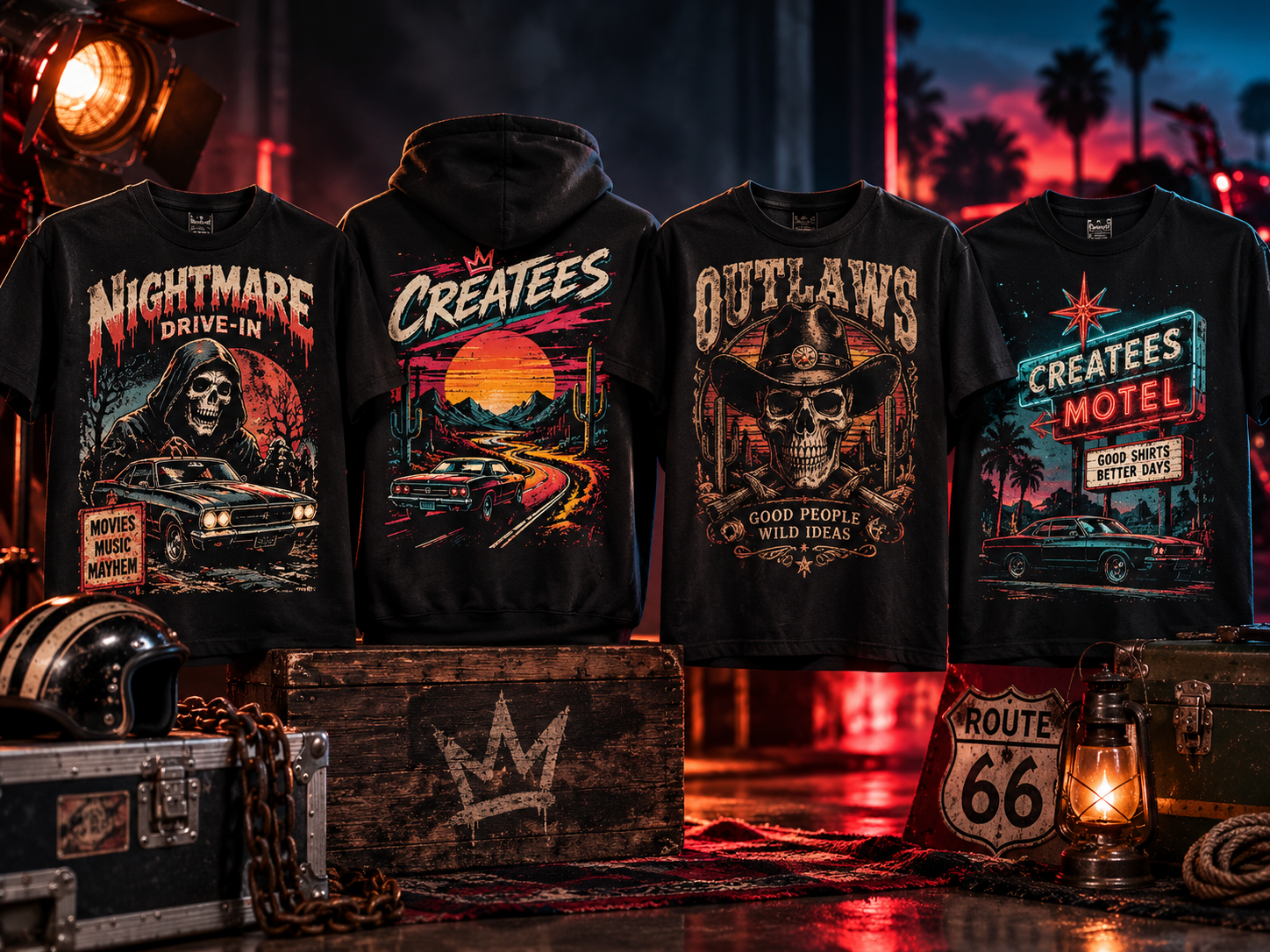
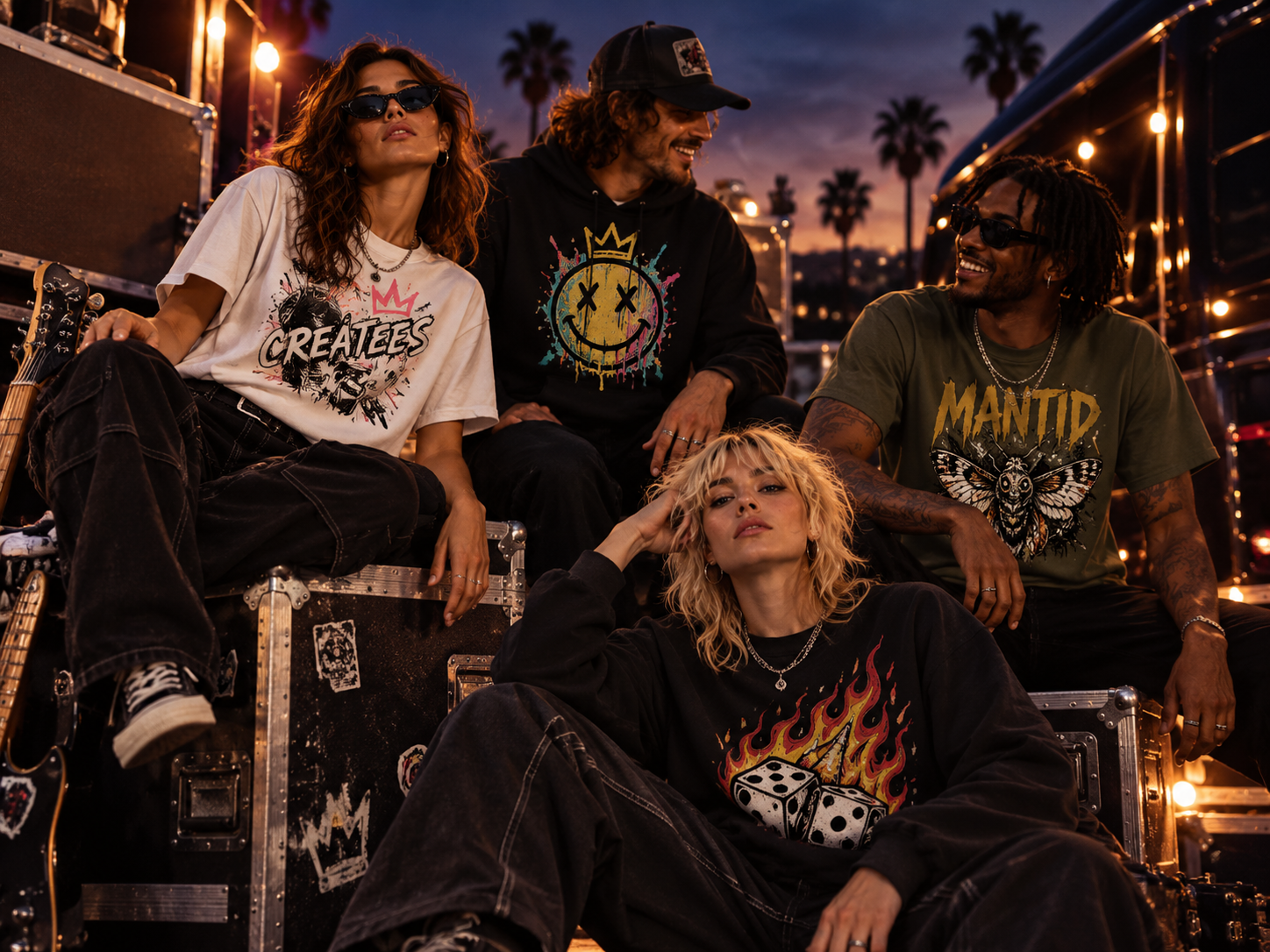
Real ideas. Real tees.
See what others are creating.

PEBBLE SAYS…Need a hand?
I can explain generations, saved designs, PIE, uploads and what happens after you buy.